Day One Logged T+
The first ten minutes: recon scan and painting tiles without the rage
Step by step through Tank Avenger's recon screen: tiles, minimum area, contiguous region and + NEW SCAN.
Status: Logged Type: howto Phase: Day one Read: 4 min
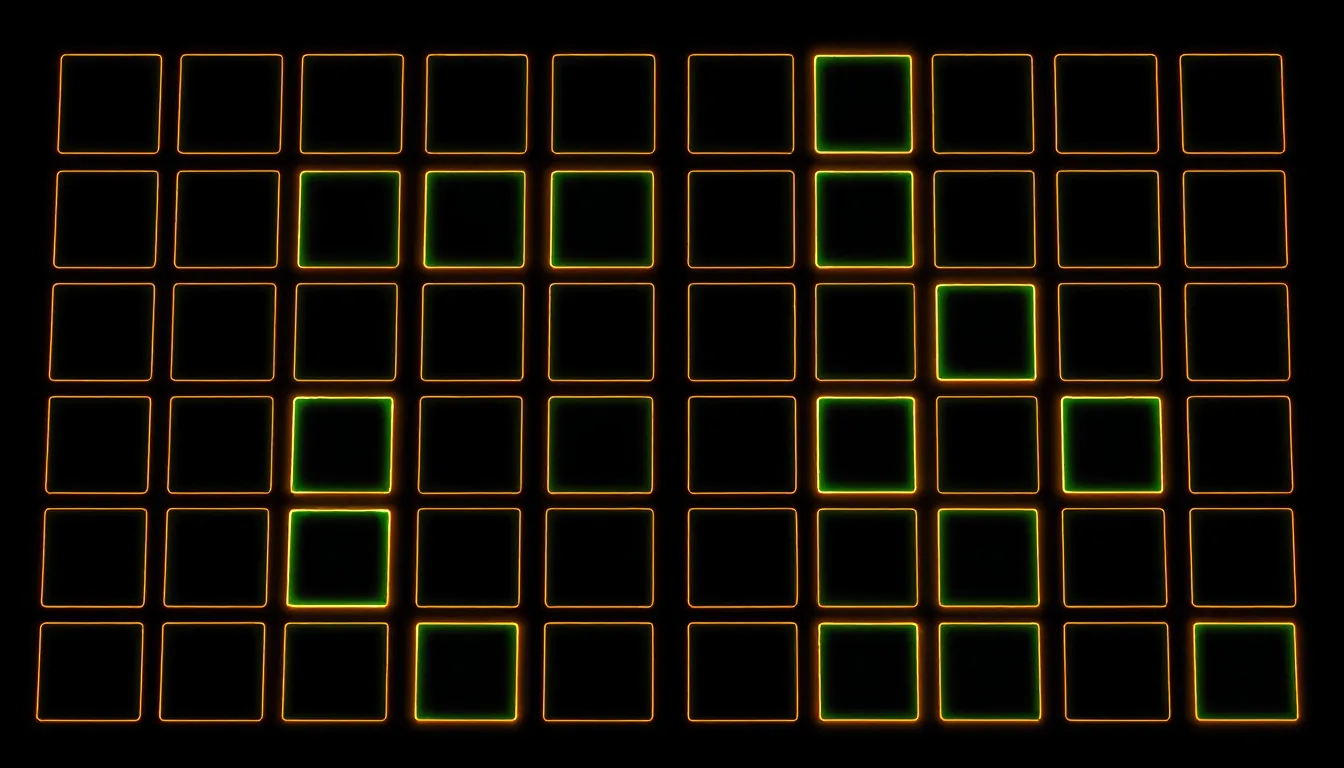
The short version: the recon screen decides how big and how tight your battles get. Know the rules and you’re through in two minutes. Don’t know them and you’ll be staring at a greyed-out CONTINUE button. This guide walks through every step exactly as Tank Avenger demands it in the current build 0.4.0.
Step 1: Prep the room
The room scan is already running in the background during the safety briefing. Use that time. Clear cables, toys, shoes and bags off the floor. Get pets out of the room. These aren’t recommendations from the Launch Desk — they’re the rules the game itself shows on every start.
Watch the light, too. The game talks about “glowing tiles”, and mixed reality needs a well-lit floor. A dark room makes playing in passthrough needlessly hard.
Step 2: Read the recon screen
Above you hangs the title BATTLEFIELD with the line “THE ROOM IS THE MAP”. The console floats low, at a fixed distance below head height. Beside you, a hologram of your room rotates.
The hologram is your most important tool:
- Green tiles are selected.
- Red tiles sit under furniture and are locked.
- Walls and furniture appear as translucent blocks.
- A marker shows where you’re standing.
Step 3: Paint the tiles
The scanned floor is split into 25 cm tiles. At the start, they’re all lit. This is the most common day-one mistake: you’re not adding, you’re taking away.
Here’s how it works:
- Point the controller at the floor.
- Hold the trigger and sweep across tiles that shouldn’t be in play. They go dark.
- If your stroke starts on a dark tile, it switches tiles back on.
Take away the edges first — the ones where you can’t move safely. That means areas right in front of shelves, windows, glass or stairs.
Step 4: Hit the minimums
CONTINUE stays grey until two conditions are met:
- At least 24 glowing tiles, which works out at 1.5 m².
- A clear area of at least 0.6 × 0.6 m within the selection.
The status line helps here. It shows how many tiles are lit, how many square metres that is, and how big the clear area is. If something’s missing, it tells you how many tiles you still need, or that the 0.6 m area is missing.
The studio recommends around 2 × 2 m of clear space. The 1.5 m² is the technical minimum, not the ideal.
Step 5: One contiguous area
The selection has to be a single contiguous region. Split the area into two islands with one stroke and the smaller one goes dark automatically. The game flags this with a prompt.
If a whole section suddenly vanishes, that’s why. The fix: switch the connecting strip between the two islands back on by starting on a dark tile.
Step 6: Multiple rooms and + NEW SCAN
If your scan covers several rooms, the console lists them, three per page, with dimensions and object counts. The room you’re standing in is marked “YOU ARE HERE” and selected automatically. Click another room and the battlefield moves there.
If the scan no longer matches your room — say, after moving furniture — use the blue + NEW SCAN button. It opens the headset’s Space Setup feature. The game then reloads the room model and selects the room you’re standing in. While that runs, all the buttons are greyed out.
What goes wrong most often on day one
- CONTINUE stays grey: too few tiles, or no 0.6 m area. Read the status line.
- Parts of the area disappear: the island rule. Restore the connection.
- Red tiles won’t switch on: there’s a piece of furniture underneath. That’s intended — you never build on furniture.
- The field doesn’t match the room: do a new scan instead of repainting.
What this means for your battles
The main fortress lands on the largest clear rectangle. Outposts spread across the rest. A smaller area means tighter firefights, not missing enemies. Your selection is saved and offered again next time you start in the same room. PLAY AREA in the main menu takes you back at any point.
Want to check the floor first? All the requirements are also on the Tank Avenger store page.
Verdict
The recon screen isn’t an obstacle, it’s the foundation. Spend five minutes on day one getting a clean, contiguous area and you’ll get better battles. Our advice: go a little smaller and safe rather than big and in front of the bookcase.